
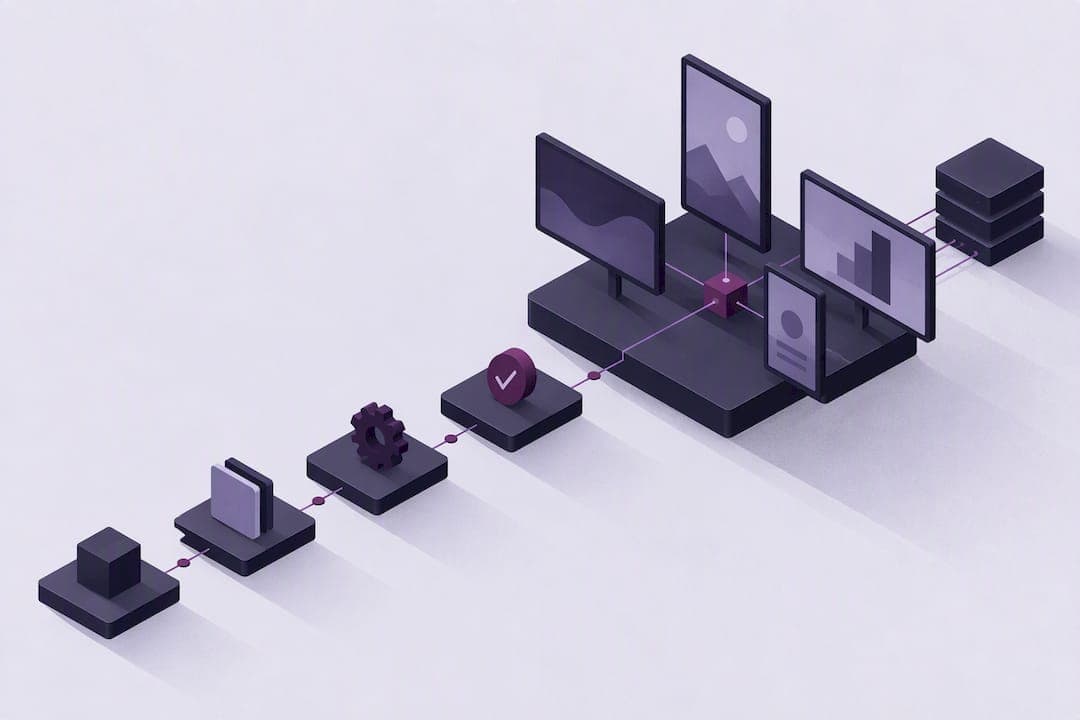
Digital signage integrations connect source systems, such as an intranet, calendar, BI dashboard, social feed or emergency alert tool, to screens so content updates automatically instead of through manual uploads. The main benefits are timeliness, relevance and reduced staff effort, since a screen reflects the source system the moment it changes. Most integrations rely on one of three technical approaches: APIs, webhooks or RSS feeds and connectors.
TL;DR:
- Native connectors are ideal for small-scale pilots and non-technical staff, providing quick implementation with minimal setup.
- Custom API integrations are better suited for enterprise deployments requiring unique data sources and more flexible control.
- Webhooks and RSS feeds are useful for low-maintenance, real-time updates of text-based or event-driven content like alerts or news.
- Outbound-only player connections using TLS and checksum validation enhance security while simplifying network firewall configurations.
- Small pilot projects, such as connecting intranet news or sales dashboards, help validate integration performance before large-scale deployment.
Table of Contents
- Types of digital signage integrations and when to use each
- How integrations deliver content to the screen
- Common integrations and where they add value
- Implementation checklist for a signage integration project
- Security and network considerations for public and internal screens
- Measuring success after integrations go live
- Examples and quick templates for a pilot
- What natural-language, no-UI workflows change in practice
- Evaluating a platform-managed approach to integrations
- Sources
- FAQ
Types of digital signage integrations and when to use each
Organizations typically choose from four integration methods, each suited to a different level of technical control and update frequency. Native connectors or apps are prebuilt links to common sources like Google Slides or Power BI, and they require minimal setup. Custom API integrations offer more flexibility for unusual data sources but need development time. RSS feeds and webhooks sit in between, offering simple, low-maintenance updates for text-based or event-driven content.
Two delivery models matter here: pull, where the player checks a source on a schedule, and push, where the source sends an update the moment it happens. Pull is easier to secure and predict; push suits time-sensitive content like alerts but demands more careful handling on the receiving end.
- Native connectors suit small pilots and non-technical teams.
- Custom APIs suit enterprise rollouts with unique data requirements.
- RSS and webhooks suit simple, frequently updated feeds like news or alerts.
How integrations deliver content to the screen
Content generally moves through a pipeline: the source system feeds a content management system, which schedules and formats it, then sends it to a player connected to the display. Two design choices shape reliability. Edge caching lets a local server download content once and redistribute it across nearby players over the local network rather than repeating large downloads over a wide-area connection, which saves bandwidth on multi-player sites. Outbound-only player connections mean the player initiates contact with the server rather than accepting inbound requests, which lowers the network exposure of each display.
Player hardware varies: some run a full operating system like Android or LG WebOS, some use a system-on-chip built into the display, and others rely on a browser-based player. Each affects compatibility with certain integrations and content formats.
- Edge servers reduce repeated downloads across many players at one location.
- Outbound-only connections limit the ports a network administrator needs to open.
- Browser-based players tend to offer the broadest compatibility with web content and APIs.
Digital signage players commonly use outbound connections on ports 443, and optionally 10799 and 10805, and do not require inbound ports to fetch schedules and report proof-of-play, according to Broadsign's communication security documentation. That design keeps firewall rules simple while still allowing regular content updates.
Common integrations and where they add value
Certain integrations recur across industries because they solve well-defined communication problems.
- Intranet feeds push staff announcements, policy updates and internal news to lobby or break room screens, extending distributed internal communications without extra manual posting.
- Calendar and room-scheduling integrations show live meeting-room availability and agendas outside conference rooms, cutting down on scheduling conflicts.
- BI and dashboard integrations display live KPIs on operations floors or sales offices, keeping teams aligned on current performance.
- Social feeds and moderated user-generated content bring marketing energy to retail or hospitality spaces, refreshed automatically as posts appear.
- Emergency alert and mass-notification integrations push urgent messages to screens network-wide, often using RSS, CAP or webhook inputs to trigger the takeover.
Video conferencing integrations round out the list, letting meeting-room screens display call status or join information alongside scheduling data.
Implementation checklist for a signage integration project
A structured rollout reduces rework and keeps stakeholders aligned on scope and success criteria.
- Define stakeholders, the pilot's scope, and the metric that will define success before selecting screens.
- Inventory the APIs, endpoints, credentials and rate limits for every source system involved.
- Map source fields, such as event titles or KPI values, to the screen templates and scheduling rules that will display them.
- Set up a staging environment, test authentication end to end, and validate content formats before going live.
- Run a phased rollout, starting with a small set of pilot screens before expanding network-wide.
Pro Tip: Run every new integration through a staging environment with sample data before pointing it at a live screen, since format mismatches are easier to catch on a test display than on one visible to customers or staff.
Security and network considerations for public and internal screens
Screens facing customers or staff carry different risks than a private dashboard, so network design and access control both need attention. Preferring outbound-only player architectures, where the display initiates contact with the server rather than accepting inbound traffic, limits the ports a network team has to expose.
- Use TLS to encrypt data moving between the source system, the CMS and the player.
- Apply file integrity checks so a tampered or corrupted file is caught before it plays.
- Restrict player devices with a dedicated, locked-down mode rather than general-purpose access.
Vendor documentation recommends outbound-only player connections, file checksums, and restricted player modes to reduce tampering and unauthorized access, according to Broadsign's security guidance. Logging every update and keeping a proof-of-play audit trail also supports compliance reviews for organizations that need to demonstrate control over what played, when and where.
Measuring success after integrations go live
Once integrations are running, a small set of metrics shows whether the investment is paying off operationally and commercially.
- Proof-of-play and playback reliability confirm content displayed as scheduled.
- Engagement metrics, tied to the specific use case, show whether the content is being noticed.
- Uptime, sync lag and bandwidth usage reveal whether the technical setup is holding up under normal load.
BI integrations can expose these operational numbers directly to executives on the same dashboards used for business KPIs, turning signage performance into a line item leadership already reviews.
Examples and quick templates for a pilot
A short, well-scoped pilot builds internal confidence before a wider rollout.
- Intranet-to-lobby example: connect the intranet news feed to one lobby screen, tracking weekly content refresh rate as the success metric.
- Power BI KPI board: pipe a live sales dashboard to an operations screen, measuring sync lag against the source.
- Webhook payload: a simple event notification with a title, timestamp and authentication token, validated in staging first.
- Pilot template: three screens, a named stakeholder per screen, one success metric, and a four-week timeline.
What natural-language, no-UI workflows change in practice
Traditional signage interfaces require staff to navigate menus and templates for every update, which adds steps and room for error. A no-UI, natural-language workflow shortens that cycle by letting an update be issued as a plain instruction rather than a series of clicks. Proactive display monitoring and AI-driven content adaptation reduce the manual checking that integration projects otherwise require, which matters most for teams without dedicated signage administrators. A platform-managed approach tends to suit organizations that want fewer custom integrations to maintain, while custom API work still fits highly specific data needs.
— impressBox
Evaluating a platform-managed approach to integrations
For organizations that would rather not build and maintain custom integrations, ImpressBox offers open APIs, device monitoring and AI-driven content adaptation within a no-UI, natural-language workflow, reducing the manual configuration that a fully custom build requires. It supports a broad range of hardware, including Android, LG WebOS, Samsung Tizen, ARM boards and Intel or AMD computers, alongside cloud, on-premises and hybrid deployment options.

To evaluate fit, start with a small set of pilot screens, list the specific integrations required, and run a security review against your network's own requirements. Visit ImpressBox to explore the platform and discuss a pilot for your integration project.
Sources
Further detail on player security, APIs and platform comparisons is available in the vendor and buyer-guide sources cited throughout this article.
FAQ
What is the best software for digital signage?
The best choice depends on whether the priority is internal communications, advertising networks or operational dashboards, since buyer's guides group platforms by that primary use case. Decision-makers should match a platform's integration strengths, such as calendar, BI or social connectors, to their own content sources before comparing price or hardware support.
What are the 7 key elements of digital signage?
Definitions vary across vendors and buyer guides, but a common version covers content, hardware (player and display), the content management system, network connectivity, integrations, scheduling and analytics. Buyer's guides frequently treat integrations with dashboards, calendars and emergency systems as a core evaluation factor rather than a separate add-on.
Can Canva be used for digital signage?
Yes, several digital signage platforms include native Canva connectors alongside other design and data tools as part of their integration libraries. This lets marketing teams push existing Canva designs to screens without exporting and re-uploading files manually.
What are the best digital signage options for integration-heavy projects?
Platforms that support live, read/write connections to cloud-hosted services tend to work best, since they can display real-time product information, pricing or inventory data rather than static files. The right option also depends on whether the priority is broad native connector libraries or flexible custom API access for less common data sources.
How do emergency alert integrations work with digital signage?
Emergency notification systems typically push alerts to screens using RSS, CAP or webhook inputs, which take over the display the moment an alert is triggered. This push-based design differs from routine content updates, which usually rely on the screen periodically checking a source for changes.