
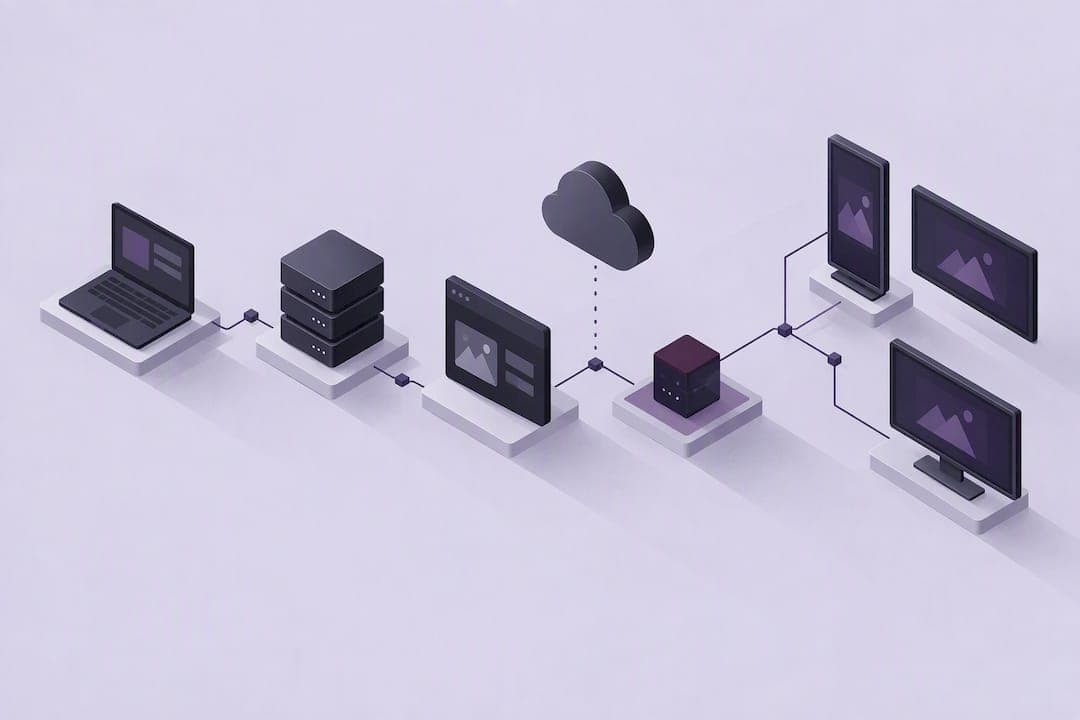
Browser-based digital signage runs content directly in a standard web browser instead of a proprietary media player, which lets organizations reuse existing hardware and rely on open web standards for compatibility. It fits organizations that want a lower total cost of ownership and easier integration with existing IT infrastructure, following guidance from groups like W3C and standards such as ITU-T H.781. Dedicated media players still suit networks that need guaranteed frame-accurate video or work in environments with unreliable connectivity, since browser environments depend more on runtime stability. Some platforms are built to manage this browser based approach at scale.
TL;DR:
- Browser-based digital signage benefits from reuse of existing hardware and open web standards, reducing total ownership costs and easing integration.
- Reliable offline playback relies on caching assets using IndexedDB and service workers, with prefetching scheduled assets before they are needed.
- Device support depends on browser runtime features such as autoplay, offline storage, CORS compliance, and video codec support across platforms like Chromium, WebKit, Tizen, and WebOS.
- Interoperability across device types and operating systems allows the same HTML5 content to run without rewriting, but update timing and codec support require active management.
- Operational success hinges on phased deployment, lockdown configurations, cache monitoring, scheduled restarts, and proactive device health and error tracking.
Table of Contents
- What browser based digital signage is and how it is structured
- How browser based playback works: caching, prefetch, and offline resilience
- Devices and runtime support checklist
- Benefits and trade-offs compared to dedicated players
- Deployment checklist: pilot-to-scale steps IT can execute
- Best practices and troubleshooting common failure modes
- ImpressBox perspective: operationalizing browser based signage
- ImpressBox as a practical path to reliable signage
- Sources
- FAQ
What browser based digital signage is and how it is structured
Browser based digital signage displays content built with standard web technologies, primarily HTML5, rendered inside a browser or browser-derived runtime rather than a native application. Two common models exist: a static, config-driven player that reads a JSON manifest and renders content locally, and a server-managed player that receives instructions and scheduling data from a central management platform. Each model handles updates differently, but both depend on the browser to interpret and display the content.
Content delivery typically runs through a content delivery network for standard assets, with an optional peer-to-peer or overlay layer using WebRTC for urgent, low-latency updates such as alerts. The W3C Web-based Signage group recommends Open Web Technologies specifically because they reduce vendor lock-in and let displays interoperate across hardware from different manufacturers. This interoperability goal is echoed in ITU-T H.781 architecture mapping, which describes how signage functions translate into web-based implementations.
- Static config-driven players read a local manifest and require no persistent server connection.
- Server-managed players receive live scheduling and content updates from a management platform.
- CDN delivery handles routine assets, while overlay or P2P networks handle time-sensitive content.
How browser based playback works: caching, prefetch, and offline resilience
Reliable playback depends on how the browser stores and retrieves media before it needs to display it. The W3C storage profile for web-based signage recommends storing downloaded assets using IndexedDB or File APIs, since this lets the player retain video and image files locally rather than depending on a live network connection every time content plays. Service workers extend this further by intercepting network requests and serving cached responses when connectivity drops, which keeps playback running through short outages.

Preloading matters because a browser waiting to buffer a video mid-loop produces a visible stall. Listening for the canplaythrough event before switching to a new asset avoids this, since it confirms the browser has buffered enough data to play without interruption.
A simple caching pattern works well in practice: the player downloads a manifest listing scheduled assets, prefetches those assets into IndexedDB ahead of their scheduled time, and evicts older or unused files once storage approaches its limit.
- Manifest defines what content is scheduled and when.
- Prefetch downloads and stores assets ahead of playback time.
- Eviction removes stale files once storage quota nears capacity.
Storage limits vary by browser and device, and the W3C storage profile recommends monitoring quota actively rather than assuming unlimited local space, since exceeding it can silently fail future writes.
Devices and runtime support checklist
Procurement decisions depend on which browser runtimes and device classes a signage deployment will actually support. Chromium-based browsers, including Chrome and Edge, cover the largest share of commercial signage hardware, while WebKit powers many embedded and Apple-adjacent devices. Smart TV platforms like Tizen and WebOS ship their own browser runtimes, which often lag behind desktop Chromium in feature support and require separate testing.
Device classes worth evaluating include commercial-grade Android displays, ChromeOS devices configured for kiosk use, Windows mini-PCs, and ARM-based boards running lightweight Linux distributions. Each combination of device and runtime should be checked against a short feature list before committing to a fleet purchase.
- Autoplay without a user gesture, since signage runs unattended.
- IndexedDB and service worker support for local caching and offline resilience.
- CORS header compliance for cross-origin asset loading.
- Consistent video codec support across the chosen runtime family.
The basic media profile from W3C lists these exact browser behaviors as prerequisites for a signage runtime to operate reliably without a person present to intervene.
Benefits and trade-offs compared to dedicated players
Browser based signage offers real interoperability: the same HTML5 content can run on Android displays, Windows PCs, and smart TV runtimes without a rewrite. It also lowers entry cost, since organizations can repurpose existing displays and computers rather than buying proprietary hardware, and content updates happen faster because they rely on standard web development skills instead of vendor-specific tools.
The trade-offs center on browser lifecycle risk. Automatic browser updates can change behavior overnight, codec support is inconsistent across runtime families, and long-running sessions are prone to memory growth if not managed. A hybrid approach, pairing a minimal dedicated runtime shell with a web-based player inside it, gives IT teams more control over update timing while keeping the content layer flexible.
- Interoperability across device types reduces vendor lock-in.
- Lower entry cost comes from reusing existing displays and computers.
- Update timing and codec inconsistency require active management, not a one-time setup.
Deployment checklist: pilot-to-scale steps IT can execute
A phased rollout limits risk and surfaces configuration problems before they affect a full fleet.
- Scope a pilot with a small set of representative devices and define success metrics such as uptime percentage and proof-of-play accuracy.
- Configure each device for kiosk or assigned-access mode, disable sleep and screen-saver settings, and confirm the browser auto-launches in full-screen on boot.
- Build a content delivery approach using a manifest or configuration file, paired with CDN hosting and a prefetch schedule that pulls assets ahead of their play time.
- Add an overlay or peer-to-peer layer only if the network needs low-latency delivery for urgent content such as alerts.
- Set up heartbeat or health-check signals so the management platform knows when a device goes offline.
- Define a remote restart policy and a scheduled refresh interval to clear memory before long-running sessions degrade.
- Apply security measures: enforce CORS policies, sign content assets where possible, and set explicit storage quotas per device.
Pro Tip: Schedule browser restarts during off-peak hours rather than waiting for a crash, since a controlled reload is far easier to plan around than an unplanned outage.
Enterprise kiosk guidance from Chrome's enterprise documentation confirms that endpoint configuration, more than software choice alone, predicts whether a signage deployment stays reliable over time.
Best practices and troubleshooting common failure modes
Most recurring signage failures trace back to a handful of preventable causes. Pop-ups and browser update dialogs interrupt playback when a device is not locked down, which is why enterprise OS kiosk configurations, whether ChromeOS Enterprise or Windows Assigned Access, matter as much as the content itself. Memory growth in long-running browser sessions is another common issue, and scheduled restarts address it more reliably than waiting for symptoms to appear.
Storage quota exhaustion is a quieter failure mode: a device can silently stop caching new assets once it hits its limit, so monitoring usage through the StorageQuota API and setting a defined cache size with eviction rules prevents it from going unnoticed.
- Lock down the browser and OS to eliminate pop-ups and unattended update prompts.
- Schedule periodic restarts rather than relying on manual intervention after a crash.
- Monitor storage quota continuously and evict stale assets before space runs out.
- Track heartbeat signals, proof-of-play logs, and media errors to catch problems early.
Pro Tip: Set automated alerts for missed heartbeats rather than checking dashboards manually, since a device that goes silent for hours often needs a restart, not a diagnosis.
ImpressBox perspective: operationalizing browser based signage
Most of the operational burden in browser based signage comes from managing configuration, monitoring, and content updates across many devices at once, not from the browser technology itself. Some platforms address this through a no-UI interface that lets teams manage content and scheduling through natural language commands, which reduces the manual configuration steps that typically introduce errors.
Such platforms also apply proactive display monitoring and AI-driven video adaptation, which helps content stay resilient and relevant without constant manual intervention. Their architecture supports scalable deployments across various environments, with cloud, on-premises, or hybrid options depending on network and hardware constraints. For IT teams managing browser based fleets across multiple locations, this can reduce the coordination work that scaling normally demands.
— impressBox
ImpressBox as a practical path to reliable signage
Organizations that want the flexibility of browser based signage without building and maintaining the caching, monitoring, and configuration logic themselves can turn to ImpressBox. Some platforms offer no-UI, natural language workflows that remove much of the manual setup that typically slows down multi-location deployments, while proactive monitoring flags device issues before they affect what displays show.

Such platforms suit retail, hospitality, and corporate teams that need scalable signage management across varied hardware, from commercial Android displays to ChromeOS and Windows devices, without needing deep in-house browser engineering expertise. Teams can review the ImpressBox platform overview to see how deployment options map to cloud, on-premises, or hybrid environments, and request a demo to evaluate fit for their own device fleet.
Sources
Readers building or validating an implementation can consult the W3C use cases and requirements document for foundational guidance, the W3C storage profile for caching specifics, and the ITU-T architecture mapping for standards alignment. Developers can also review DisplayX, an open-source reference player, for a working example of manifest-driven caching.
FAQ
What is the best digital signage platform?
The right platform depends on fleet size, device mix, and how much operational overhead a team wants to manage directly. Platforms that combine browser based playback with centralized monitoring, such as ImpressBox, tend to suit organizations scaling across multiple locations and device types.
What is the best app for digital signage?
There is no single app that fits every use case, since requirements shift based on device runtime, network reliability, and content complexity. Organizations generally choose between browser based players, which use standard web technologies for broad compatibility, and native apps built for a specific hardware platform.
How can I create my own digital signage?
A basic setup starts with a device running a supported browser, a content manifest or configuration file, and a kiosk mode configuration that keeps the browser locked in full-screen. From there, teams typically add scheduling logic, remote monitoring, and caching to keep playback reliable, which is where dedicated management platforms save significant setup time.
What are the different types of digital signage?
Digital signage generally falls into two categories: browser based signage, which runs HTML5 content inside a web browser or browser-derived runtime, and dedicated media player signage, which uses proprietary software built for specific hardware. Some deployments use a hybrid model, running a web-based player inside a minimal dedicated shell for more control over updates.
Does browser based digital signage work without internet access?
Browser based signage can continue playing cached content during short network outages when the player uses IndexedDB storage and service workers to store assets locally ahead of time. Extended outages still require a connection to receive new content or scheduling updates, so caching design should account for expected network gaps.